
How to Prepare for Your Telehealth Visit: A Practical Checklist

Direct Answer
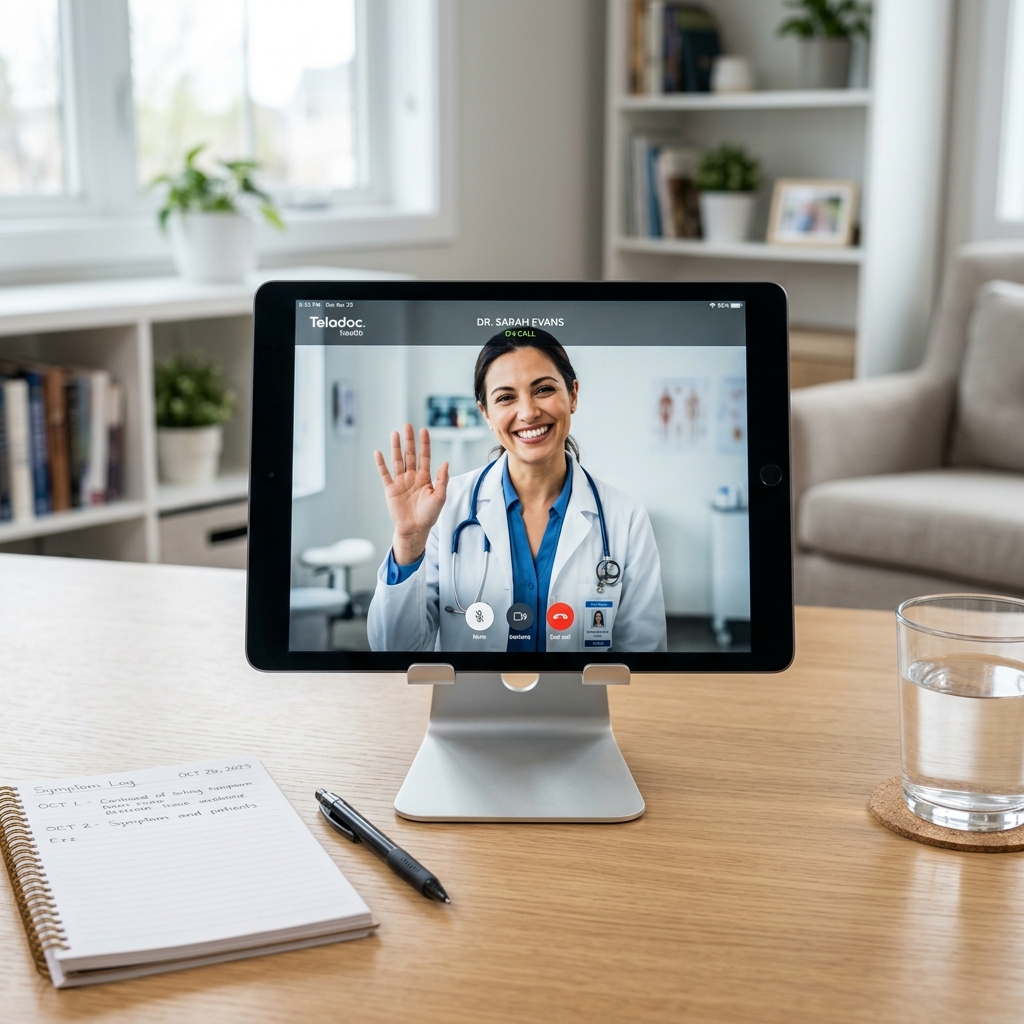
To prepare for a telehealth visit, use a device with a working camera and microphone, test your internet connection in advance, find a quiet and well-lit private space, and have your photo ID, insurance card, medication list, pharmacy details, and any recent vital signs ready. Write down your symptoms, when they started, and your questions so you can describe them clearly during the appointment.
A little preparation makes a telehealth visit smoother, faster, and more useful. If you already know what to expect in your first virtual visit, this guide goes one step further into the practical setup — the technology, the environment, and how to communicate clearly.
Use this checklist before your appointment at TOFAD Wellness Clinic.
1. Set Up Your Technology
- Choose your device: A smartphone, tablet, or computer all work. Pick whichever has a reliable camera and microphone.
- Charge it: Plug in or fully charge your device so it does not die mid-visit.
- Test your internet: Run a quick video call with a friend, or open a video app, to confirm your connection is stable. Sit near your WiFi router if you can.
- Allow permissions: Make sure your browser or app has permission to use your camera and microphone.
2. Prepare Your Space
- Find privacy: Choose a quiet room where you can speak openly about your health.
- Get good lighting: Face a window or lamp so your provider can see you clearly — this matters especially for skin and rash visits or throat exams.
- Reduce noise: Turn off the TV and silence notifications.
3. Have These Items Ready
| Item | Why It Matters |
|---|---|
| Photo ID | Confirms your identity for the visit |
| Insurance card | Needed to verify coverage |
| Medication list | Names and doses of everything you take |
| Pharmacy details | So any prescription goes to the right place |
| Recent vitals | Home blood pressure or glucose readings, if relevant |
| Symptom notes | When symptoms started and what makes them better or worse |
For chronic disease check-ins, bringing your home logs makes a major difference in the quality of your visit.
4. Describe Your Symptoms Clearly
Providers diagnose based on what you tell them, so specifics help. Before the visit, jot down:
- When it started and whether it is getting better or worse.
- What it feels like — sharp, dull, burning, intermittent.
- What you have tried — any over-the-counter medications and whether they helped.
- Your top questions, so nothing gets forgotten.
5. Join a Few Minutes Early
Logging in 5 minutes early lets you resolve any last-minute tech hiccup without cutting into your appointment time. If video will not connect, don’t panic — let our team know and we will find the best way to continue.
Ready for your visit? Book your appointment or learn how telemedicine works.